
CamMicGo Guides
One earbud or headphone side not working? How to find the cause and fix it
When sound comes out of only one side, the cause is often a setting or a connection, not a broken earbud. First check which side really fails with a left/right test, then go through the steps for wired or wireless headphones.
1. Find out which side fails
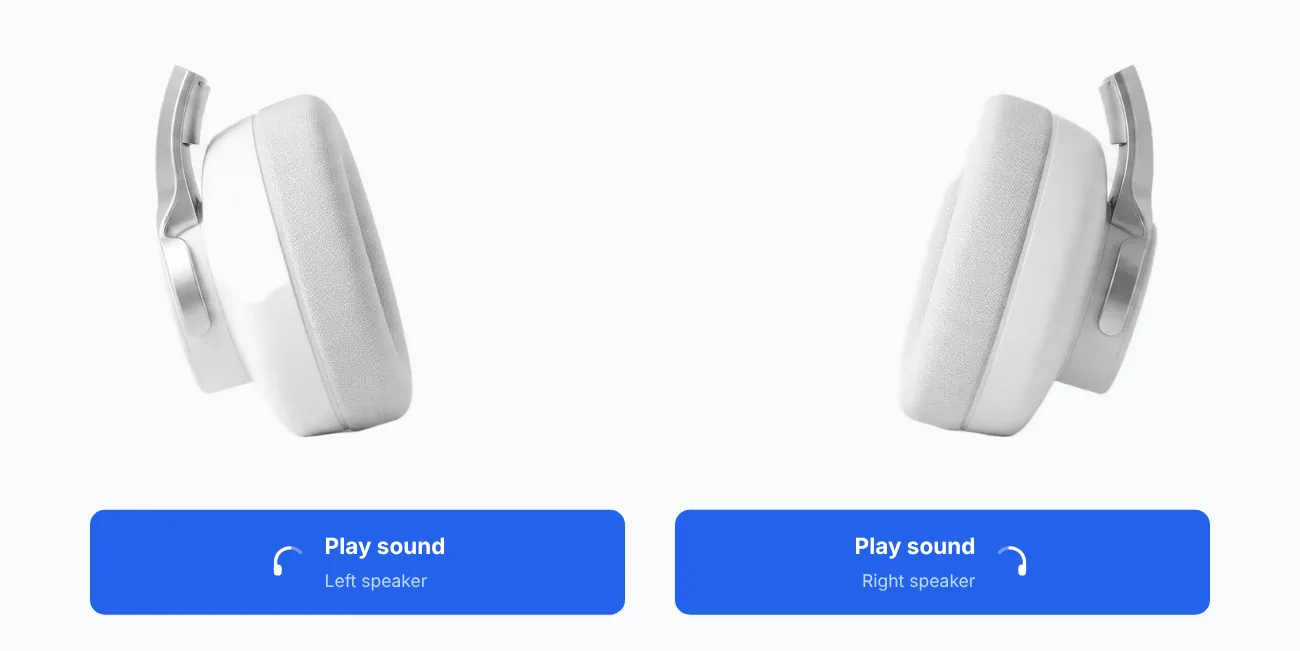
Play the CamMicGo headphone test and listen to the left and right channels separately. If one side stays silent, you know which earbud or speaker to check. If both sides work in the test, the problem comes from the content you were listening to or from one app’s settings.
2. Check the audio balance
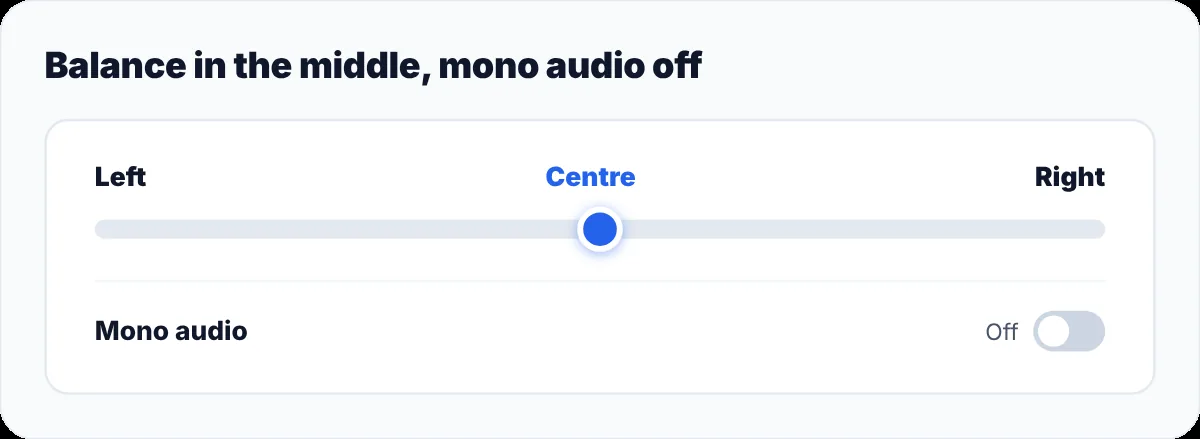
A balance slider moved to one side, or mono audio turned on, can make one ear silent or much quieter.
- iPhone and iPad: Settings → Accessibility → Audio & Visual → Balance. Put the slider in the middle.
- Mac: System Settings → Sound → Output, then centre the Balance slider for your headphones.
- Windows 11: Settings → System → Sound, open your headphones and check that the left and right channel levels are the same. Check Mono audio in Accessibility → Audio as well.
- Android: the balance setting is usually in Settings → Accessibility, under audio or hearing. The exact menu depends on the phone.
3. Wired headphones
- Push the plug all the way in: a jack that is half inserted often plays on one side only.
- Try another device. If the same side fails everywhere, the problem is in the headphones.
- Gently move the cable near the plug and the earcup while sound plays. Crackling or sound coming back points to a damaged wire.
- Some adapters and splitters are not compatible with headset plugs. Try without them.
4. Wireless earbuds
- Charge the case and put both earbuds in it for at least 30 seconds, then check the battery level of each one. Apple gives these steps for AirPods.
- Clean the charging contacts and the case’s charging port.
- Remove the earbuds from your Bluetooth list, then pair them again. If that does not help, reset them with the manufacturer’s procedure.
- Update the earbuds’ firmware in the manufacturer’s app when there is one.
5. Clean the speaker mesh
If one side works but sounds much quieter, earwax or dust on the speaker mesh is a common cause. Remove the ear tips and clean the mesh gently with a dry soft brush, following your manufacturer’s cleaning guide.
6. When it is a hardware fault
If one side stays silent on every device, after checking the balance, charging and pairing, the earbud or driver is probably faulty. Contact the manufacturer or the seller: many headphones are under warranty for at least a year.